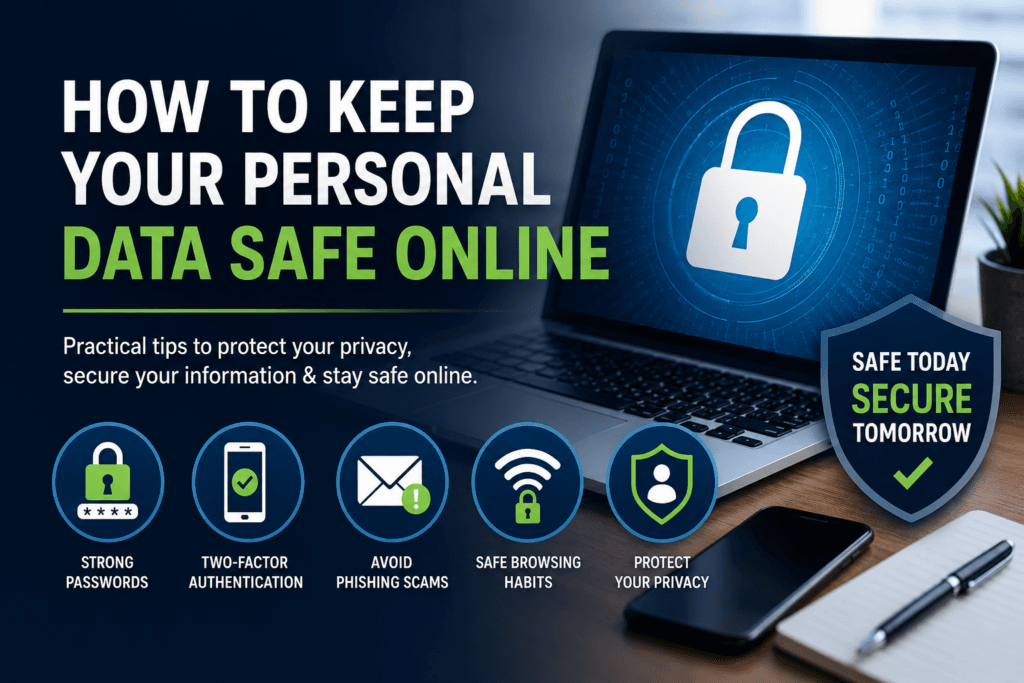
In today’s connected world, personal data is constantly being shared, stored, and transferred—often without you even realizing it. From social media accounts to online shopping, every click leaves a digital footprint. Learning how to protect that information is essential for staying secure online.
This guide breaks down clear, practical steps you can use to protect your personal data and reduce your risk of scams, identity theft, and privacy breaches.
Your personal data includes information like your name, email address, passwords, banking details, location data, and even browsing habits. If exposed, it can be used for:
Even basic precautions can significantly reduce these risks.
For broader awareness on cyber safety, you can explore trusted guidance from:
Weak passwords are one of the most common entry points for hackers.
Best practices:
You can also use a password manager to securely store login details.
👉 Learn more in our guide:
Choosing and Protecting Passwords
Two-factor authentication adds an extra layer of protection by requiring a second verification step (like a code sent to your phone).
Even if someone gets your password, they still can’t access your account without this second step.
Where to enable it:
Phishing is when scammers pretend to be trusted companies to steal your data.
Common signs include:
If something feels off, don’t click.
👉 Learn how to identify scams here:
How To Recognize and Avoid Phishing Scams
Your phone, tablet, and computer are gateways to your data.
Protect them by:
Public Wi-Fi networks (cafés, airports, libraries) are often not secure.
Avoid:
If you must use public Wi-Fi, consider using a secure connection or VPN.
Social media platforms often encourage oversharing, but personal details can be used against you.
Be mindful of sharing:
Review your privacy settings regularly.
Having the right tools can make online protection much easier.
Our recommended resources include:
👉 Explore our full toolkit:
Staying Safe Online: Digital Security for Everyday Users
Cyber threats evolve constantly. Staying informed is one of the strongest forms of protection.
Check reputable sources like:
Protecting your personal data doesn’t require advanced technical skills—it’s about building simple, consistent habits. Strong passwords, careful clicking, and smart privacy settings go a long way in keeping your digital life secure.
If you want a more structured approach to protecting your digital life, explore our full range of tools and guides designed to make online security simple and practical.
👉 Start here:
How to Protect Your Personal Data Online
Preventing Smart Home Hacking: Security Checklist
Stay informed, Stay secure, Stay in control of your data.
Want a simpler way to stay protected online?
Explore our Digital Privacy & Security Toolkit, designed to help you build strong passwords, avoid scams, and protect your identity with step-by-step guidance.
👉 Start protecting your digital life today.

Leave a comment